21 prompts
Write a Failing Test That Reproduces This Bug Before I Fix It
Describe a bug and paste the function and the framework. Get a single focused failing test that reproduces it deterministically — the right assertion, the right fixture, no flakiness — so you fix the bug, not your guess about the bug.
Build Personal Cloud Storage in HomeLab
A phased mega-prompt that turns an AI into a disciplined infrastructure consultant — Built and battle-tested deploying a self-hosted Nextcloud stack on Proxmox, but generalized for any homelab/self-hosting build.
Explain a Stack Trace and Give Me the Minimal Safe Fix
Paste an error stack trace plus the function it points at. Get a plain-English root cause, the smallest diff that fixes it, why that fix works, and the edge cases to watch — no over-engineering, no try/catch band-aids.
Break a God Function into Small, Testable Units (No Behavior Change)
Paste a function that grew too big. Get it split into well-named single-responsibility helpers, a slim top-level function that reads like a table of contents, and a why-bullet for each extraction — guaranteed identical behavior, no new dependencies, no algorithm changes.
Turn a Git Diff into a Clean Conventional Commit Message
Paste your staged git diff and get one properly-typed, properly-scoped Conventional Commit message — imperative summary, optional why-body, and a BREAKING CHANGE footer when needed. For devs who want a readable history without agonizing over wording.
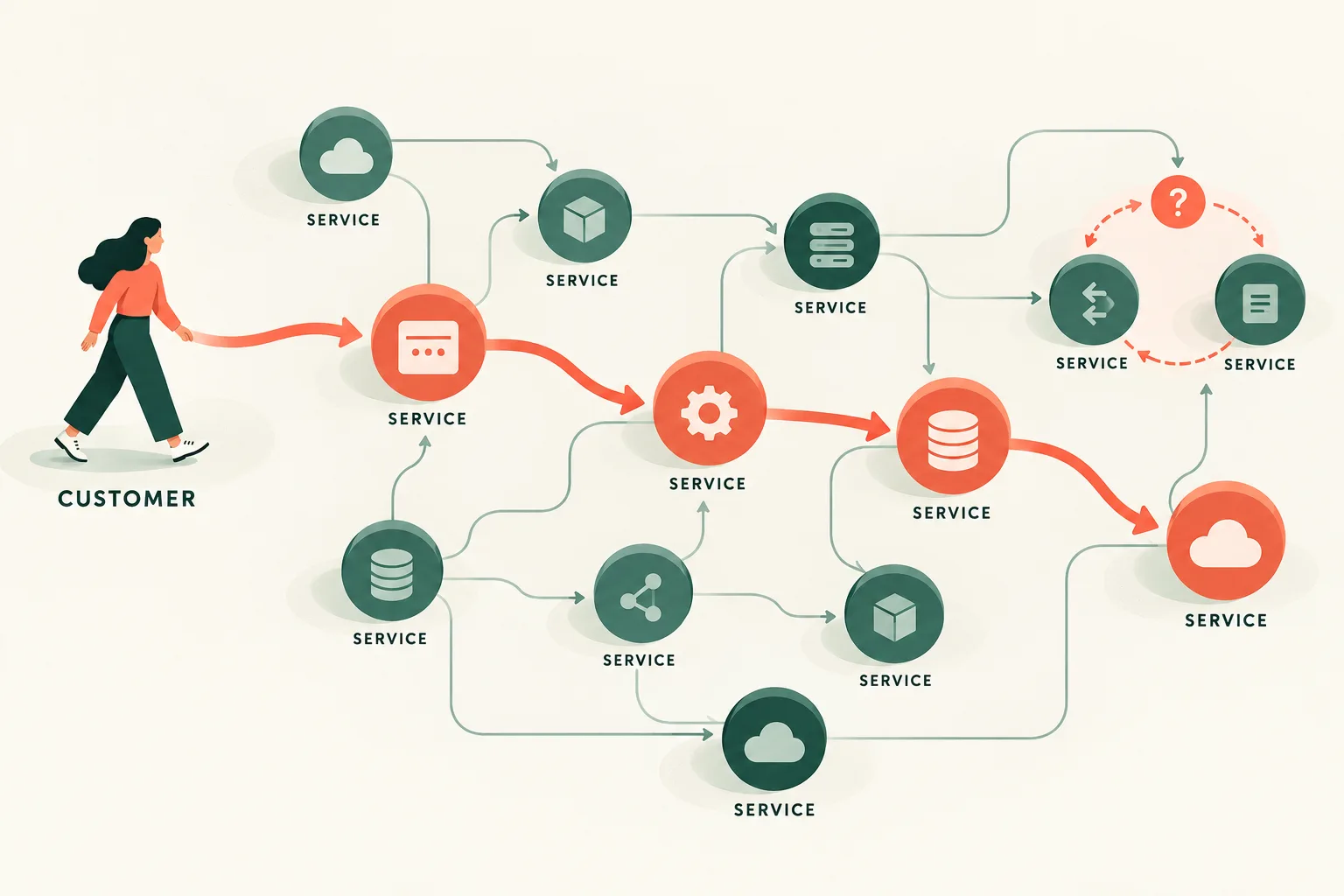
Map Cloud Dependencies Before an Outage
Turn architecture notes into a critical-path and failure-dependency map with targeted read-only validation questions.
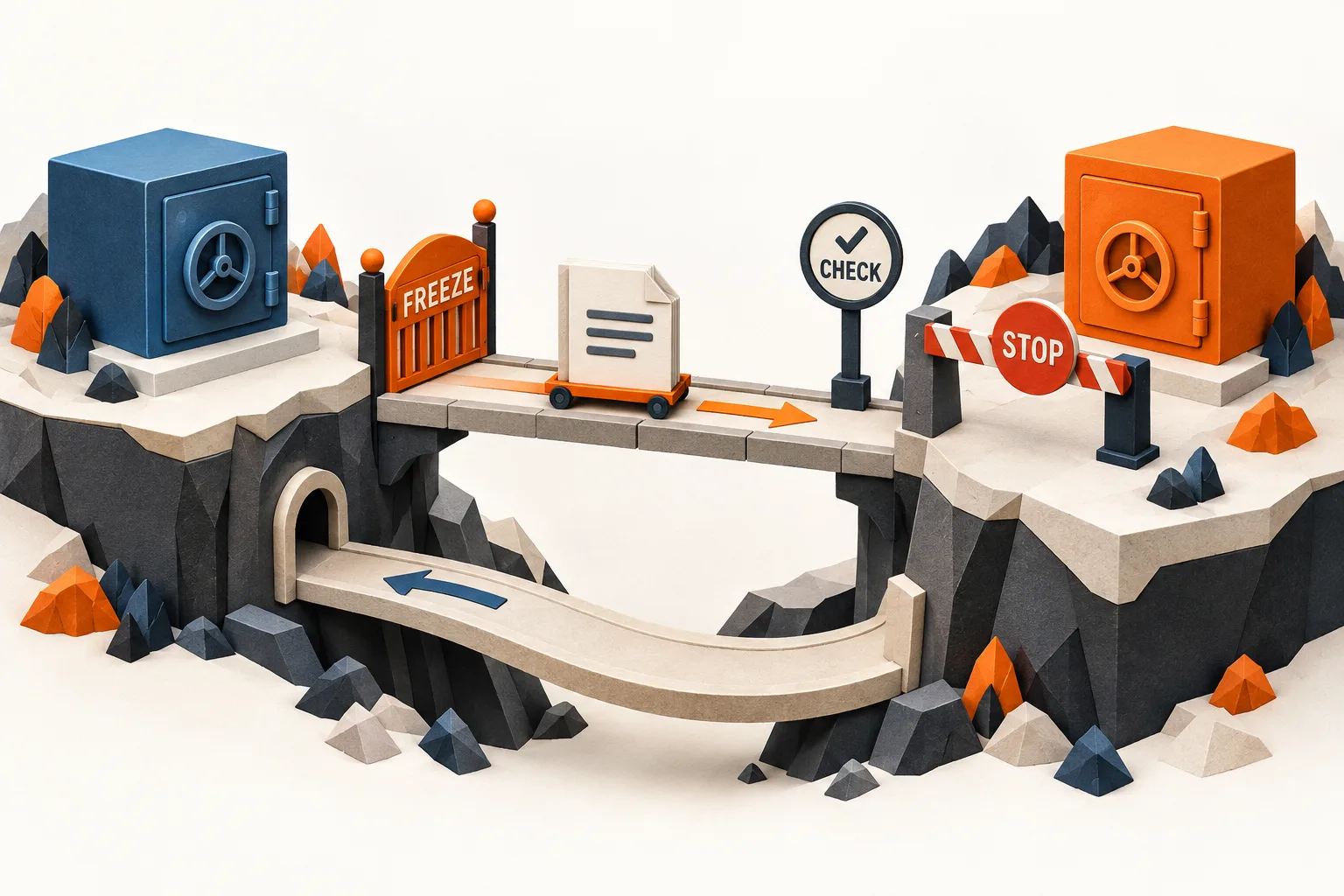
Plan a Terraform Backend Migration With Clear Stop Conditions
Build a reviewable backend migration plan that protects state ownership, handles client and lock compatibility, verifies workspace mapping, and defines when recovery is still safe.
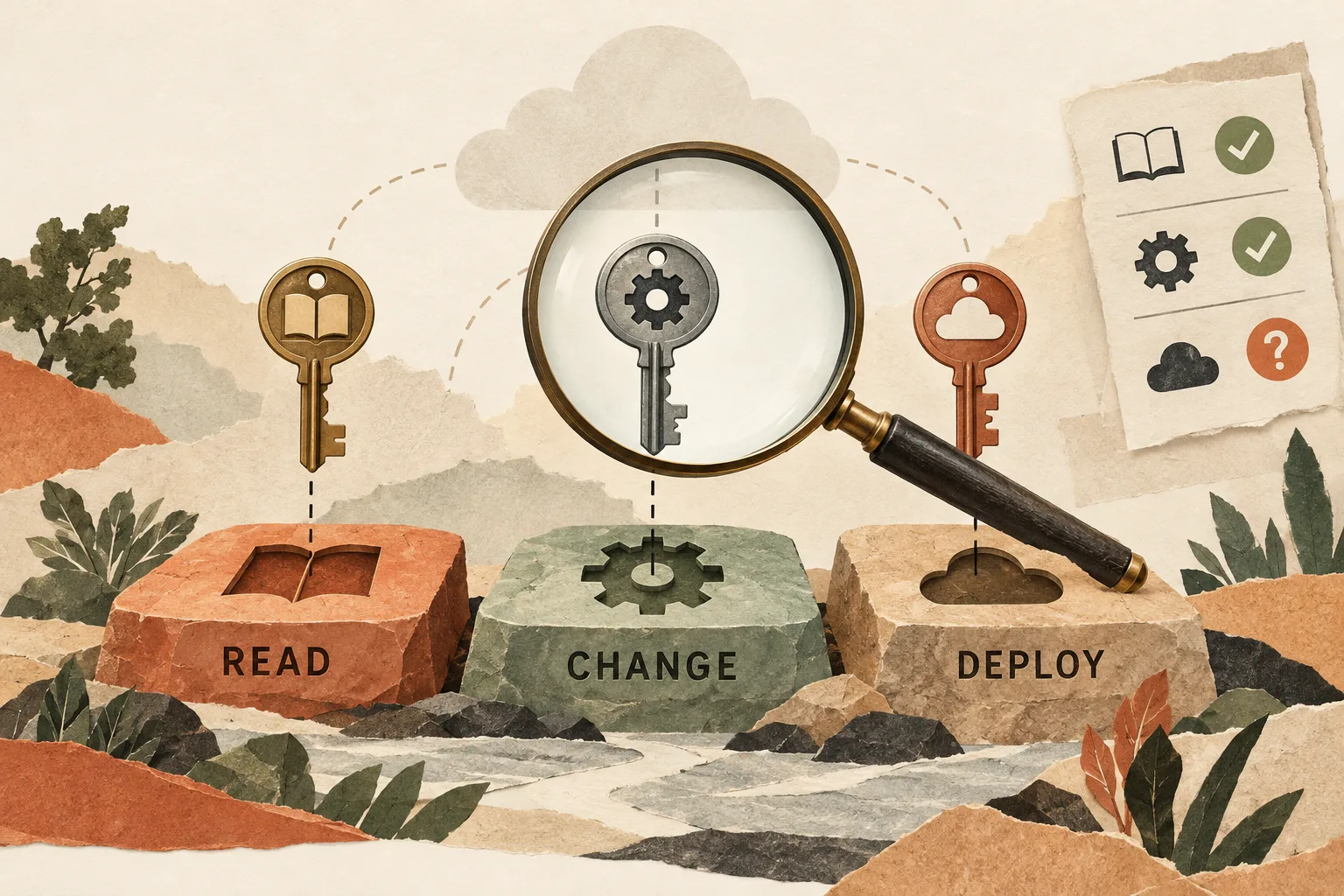
Review AWS Access Against Real Workflows
Compare IAM policies with required workflows and observed activity to produce a least-privilege review and a safe validation plan.
Review a PR Diff for Real Bugs and Security Holes (Skip the Nits)
Paste a pull request diff and intent. Get a severity-ranked review focused only on correctness bugs, security vulnerabilities, and serious performance issues — with line citations and fixes. No style nits, no invented findings, no speculation about code it can't see.
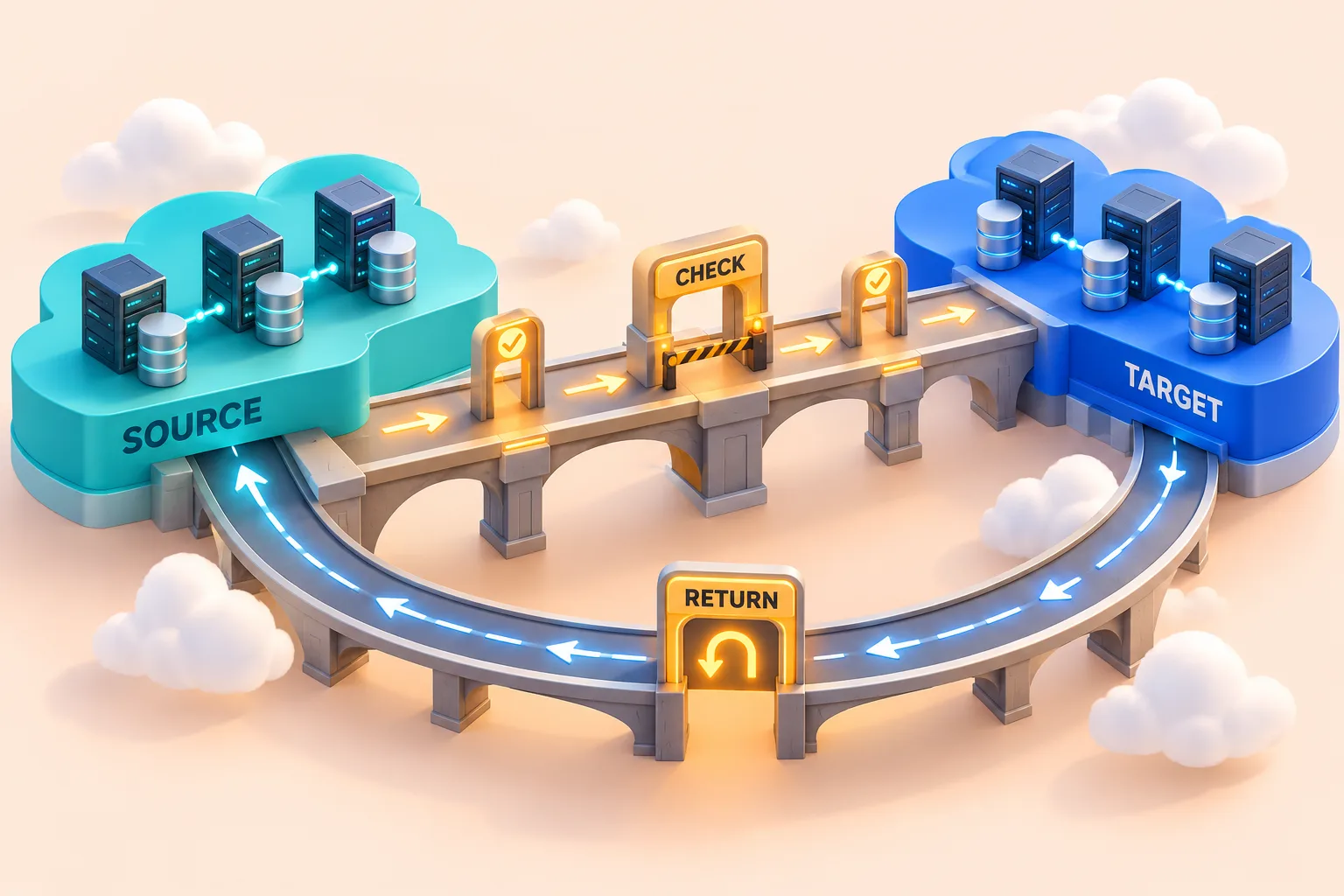
Plan a Workload Move Across AWS Accounts
Map the dependencies, cutover risks, access changes, and rollback limits of moving a workload into a separate AWS account.
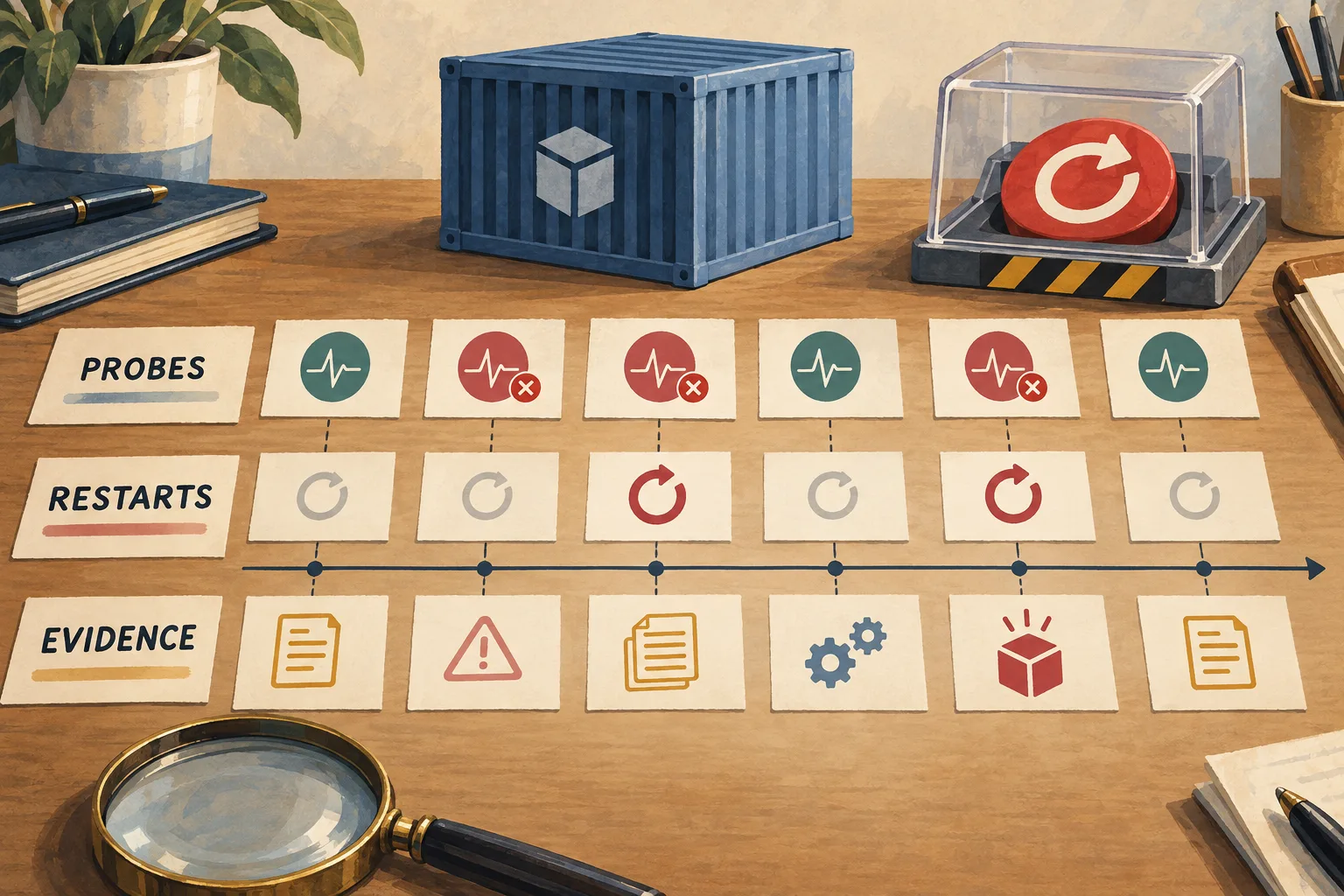
Triage Kubernetes Probe Failures Without Triggering More Restarts
Reconstruct a restart incident from sanitized events, status, logs, and probe configuration, then rank hypotheses and propose evidence-led containment options.
Build a Regex from Plain English with Tests and a Breakdown Table
Describe what to match and what to skip in plain English. Get the tightest correct pattern for your engine, a part-by-part breakdown table, a table of match / no-match test cases, and a ready-to-paste code snippet — assumptions called out, no cargo-cult patterns.
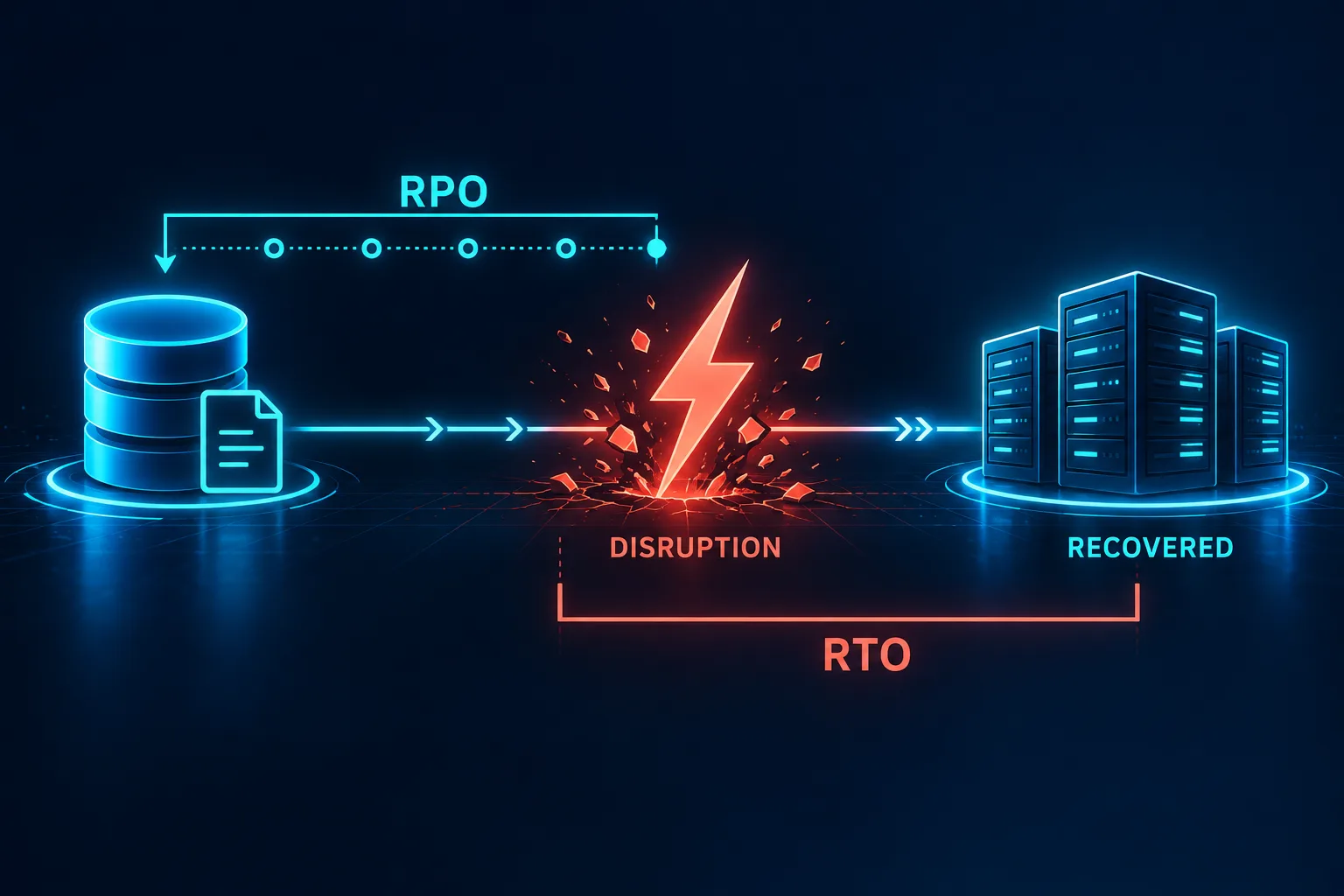
Turn RTO and RPO Into a Recovery Design
Translate business recovery goals into a dependency-aware architecture comparison, evidence gaps, and a validation plan.
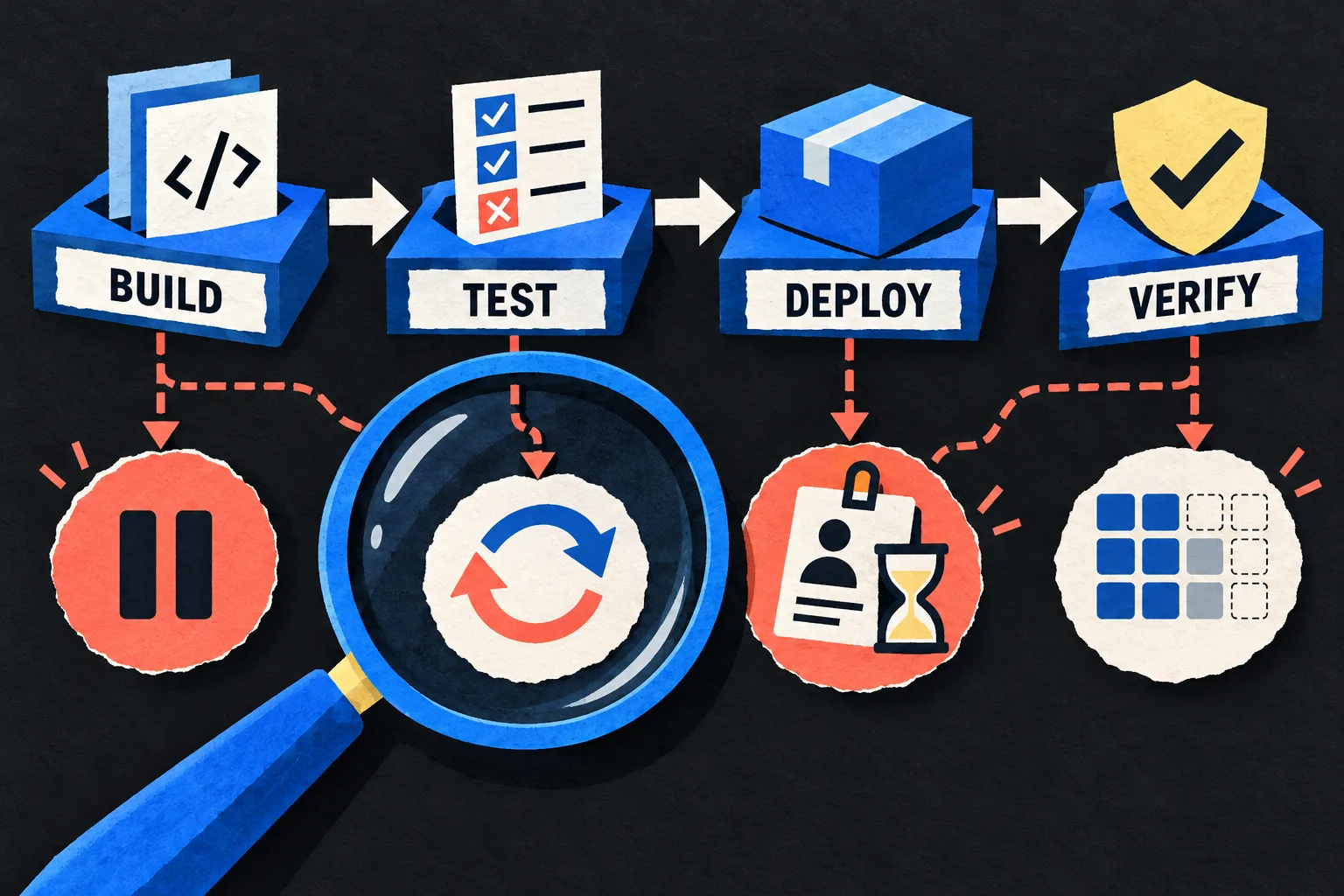
Review CI/CD Failure Paths Before the Next Release
Stress-review a pipeline on paper for cancellation, credential expiry, partial deployment, retries, stale artifacts, and failed cleanup, then produce a prioritized verification plan.
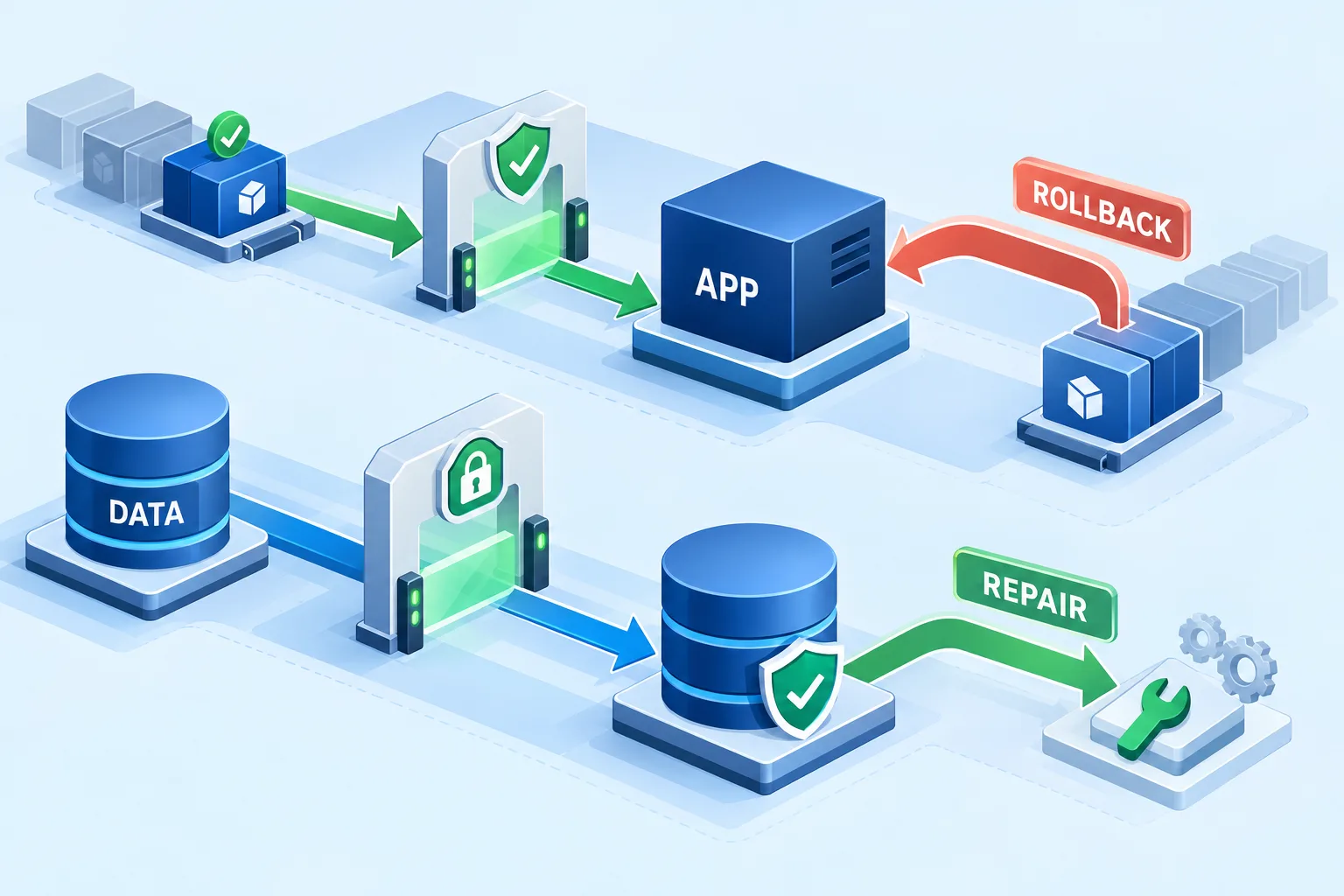
Build a Release Rollback Runbook With Data-Safety Gates
Create an operator-ready rollback decision plan that checks artifact availability, configuration and schema compatibility, short-lived access, and recovery evidence before any change.
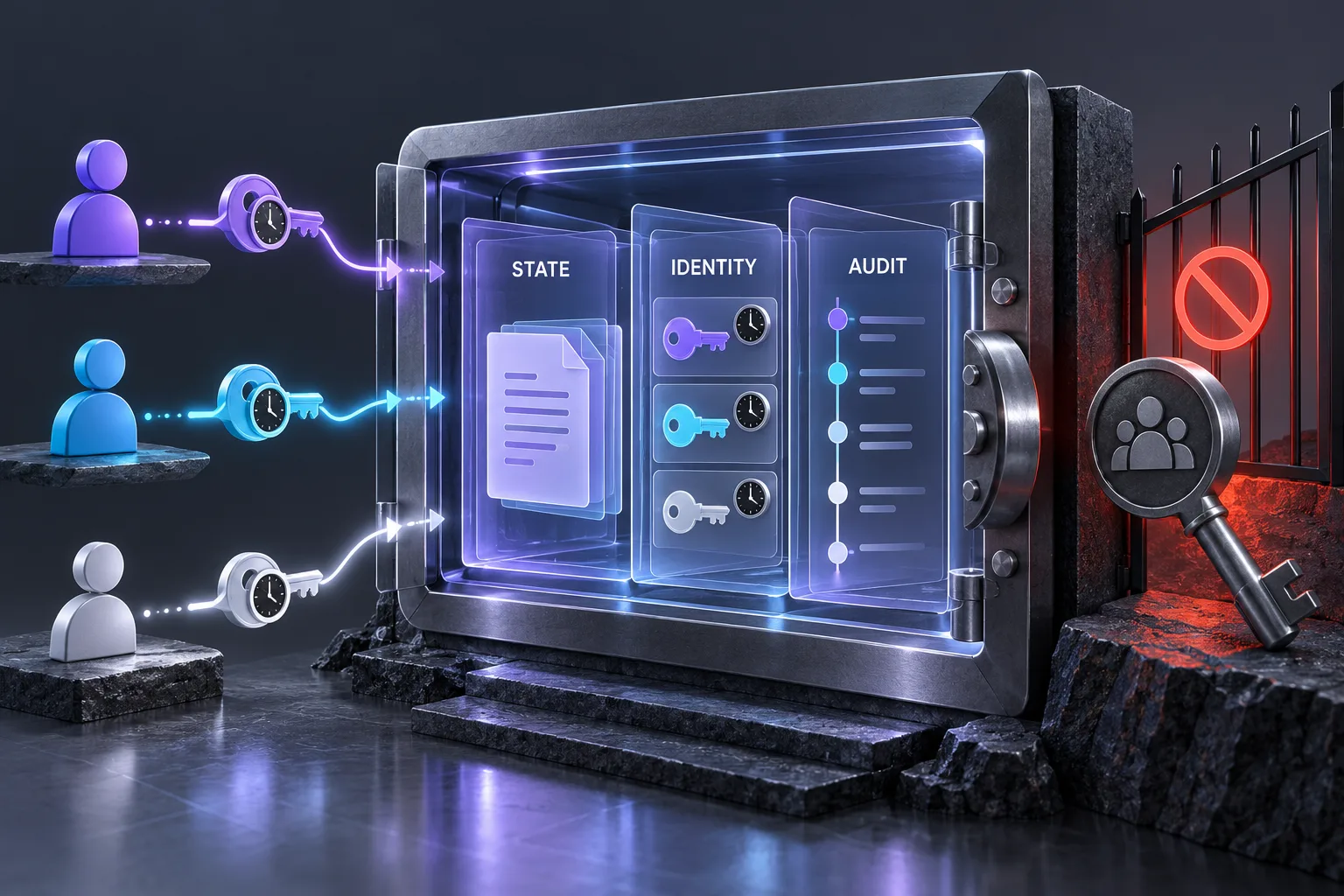
Review Terraform State Security Without Shared Credentials
Turn sanitized backend and access details into a prioritized state-security review, with scoped identities, version-aware locking, recovery checks, and explicit evidence gaps.
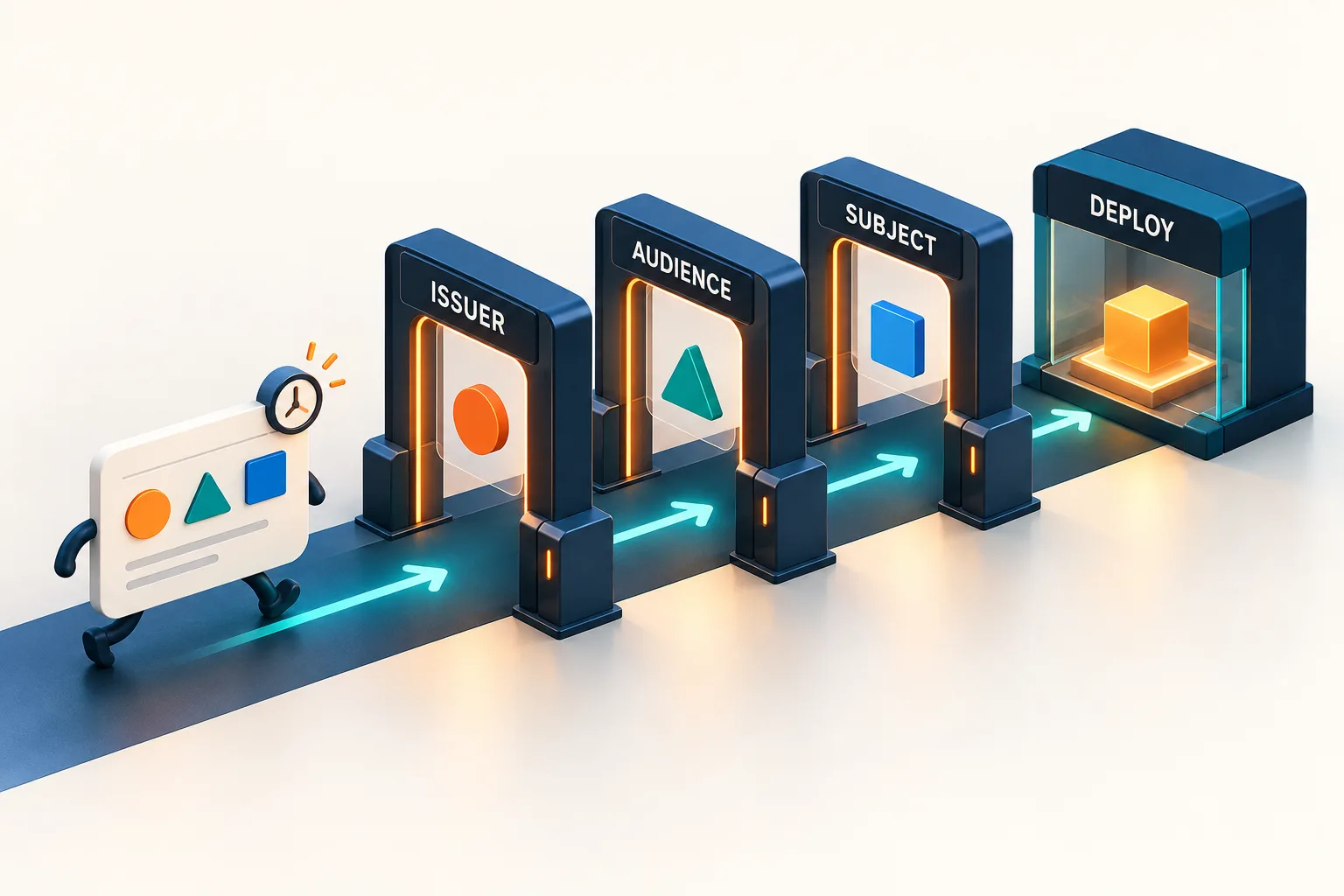
Review CI OIDC Trust and Deployment Permissions
Audit the boundary between a CI workflow and its cloud role, checking actual subject and audience claims, untrusted triggers, environment controls, and resource-level access.
Generate a Helpful PR Description from the Branch's Commits
Paste your branch's commit log and the diff stat. Get a reviewer-friendly PR description — a one-line summary, what changed and why, a test plan, and a risk/rollback note — so reviewers get context instead of a wall of 'misc fixes'.
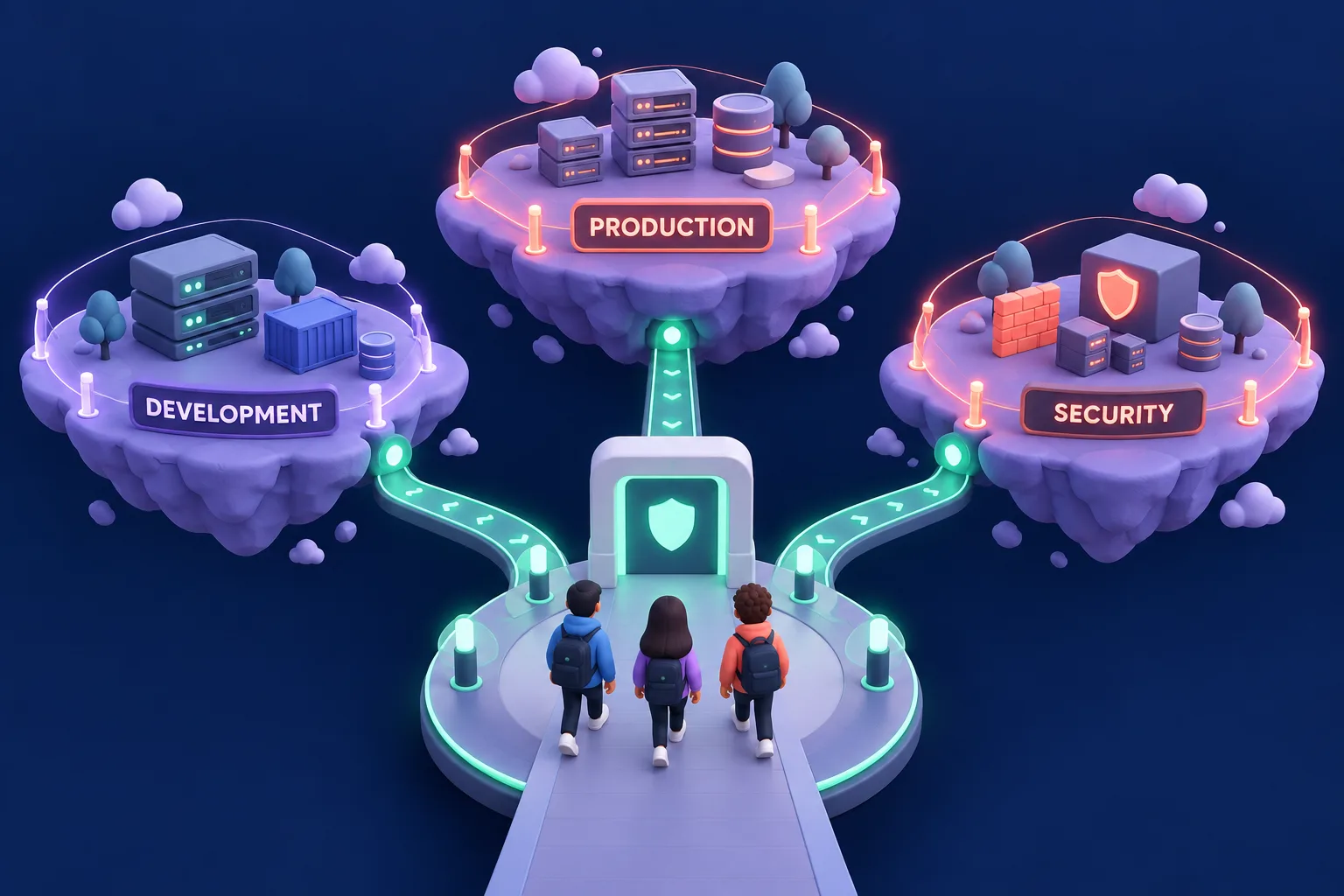
Design AWS Account Boundaries for a Small Team
Turn a workload inventory and team constraints into a practical AWS account plan with access boundaries, ownership, costs, and a staged rollout.
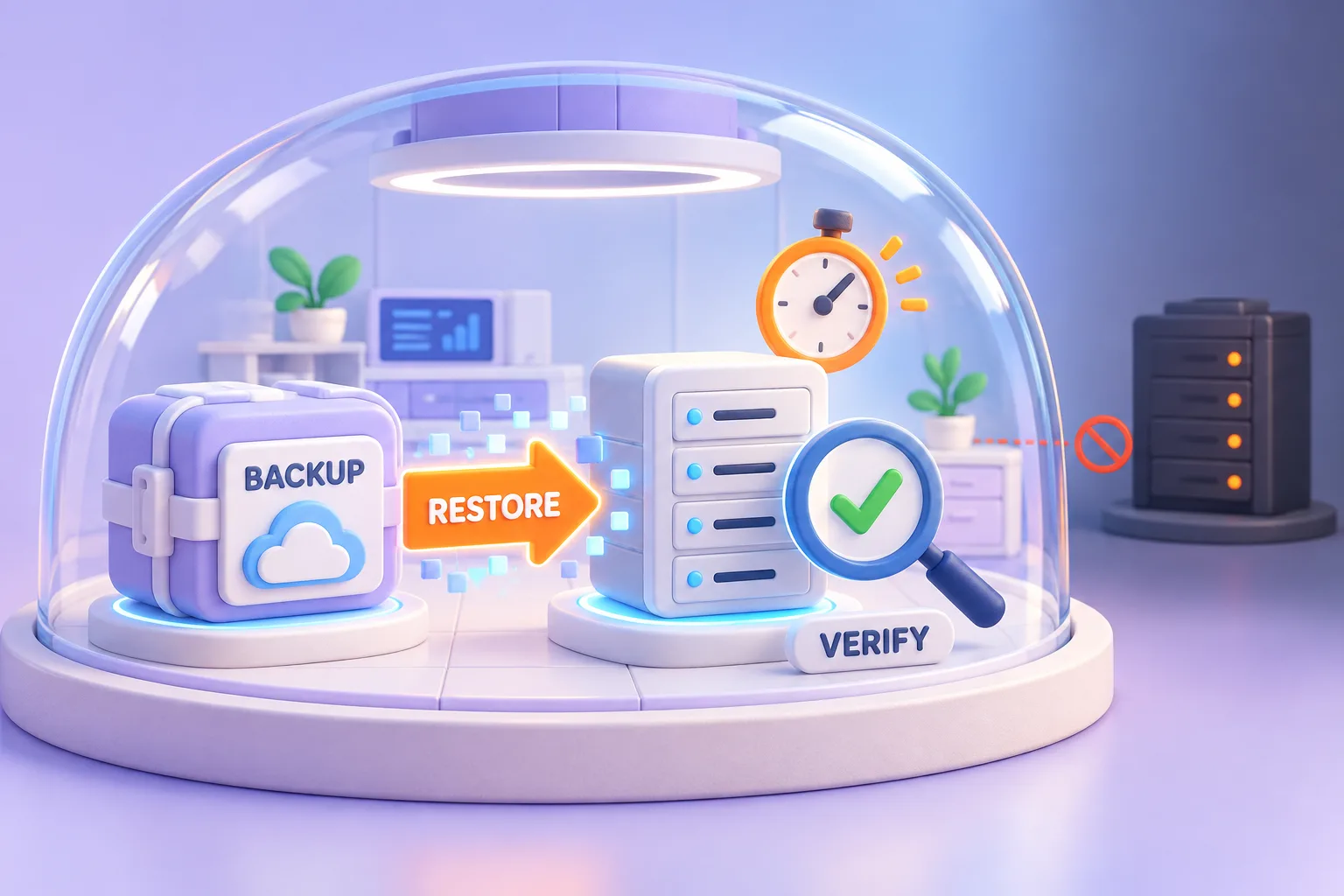
Plan a Restore Drill With Measurable Evidence
Create an isolated restore exercise that measures recovery time, data freshness, application integrity, and gaps without touching production.
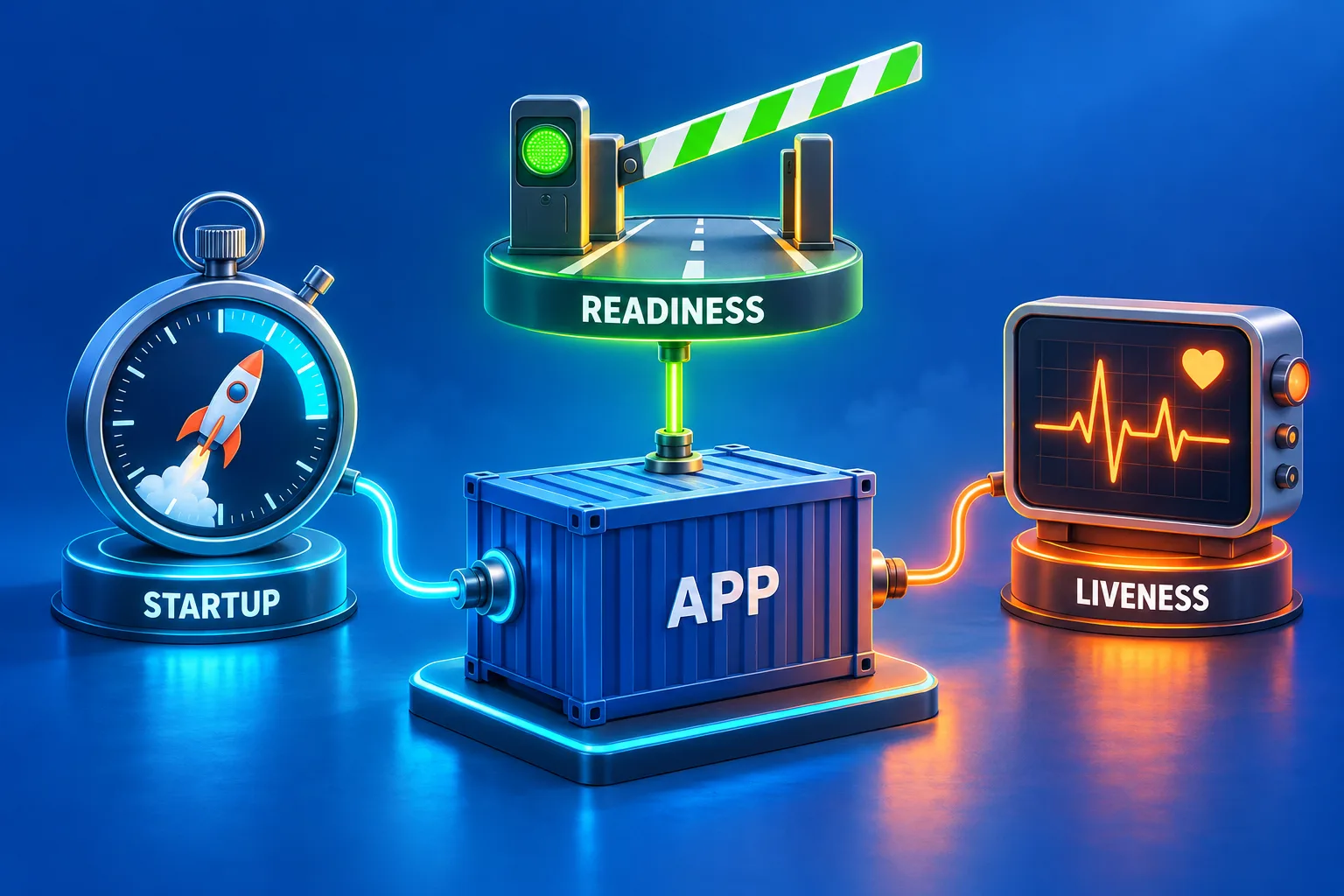
Design Kubernetes Probes Around Real Application Failures
Choose startup, readiness, and liveness signals from measured application behavior, with dependency-aware tradeoffs, timing assumptions, and a safe validation plan.