14 prompts
Write a SQL Query from a Plain-English Business Question
Describe what you need to know in plain English and paste your schema. Get a correct, readable SQL query with CTEs, aliases, a plain-English explanation, and an index note — no guessing at column names.
Design a Tracking Plan for a New Product Event
Describe a user interaction you want to track. Get a complete, engineering-ready tracking plan: canonical event name, exact trigger, a property table, what NOT to track, and a QA checklist that includes the error case.
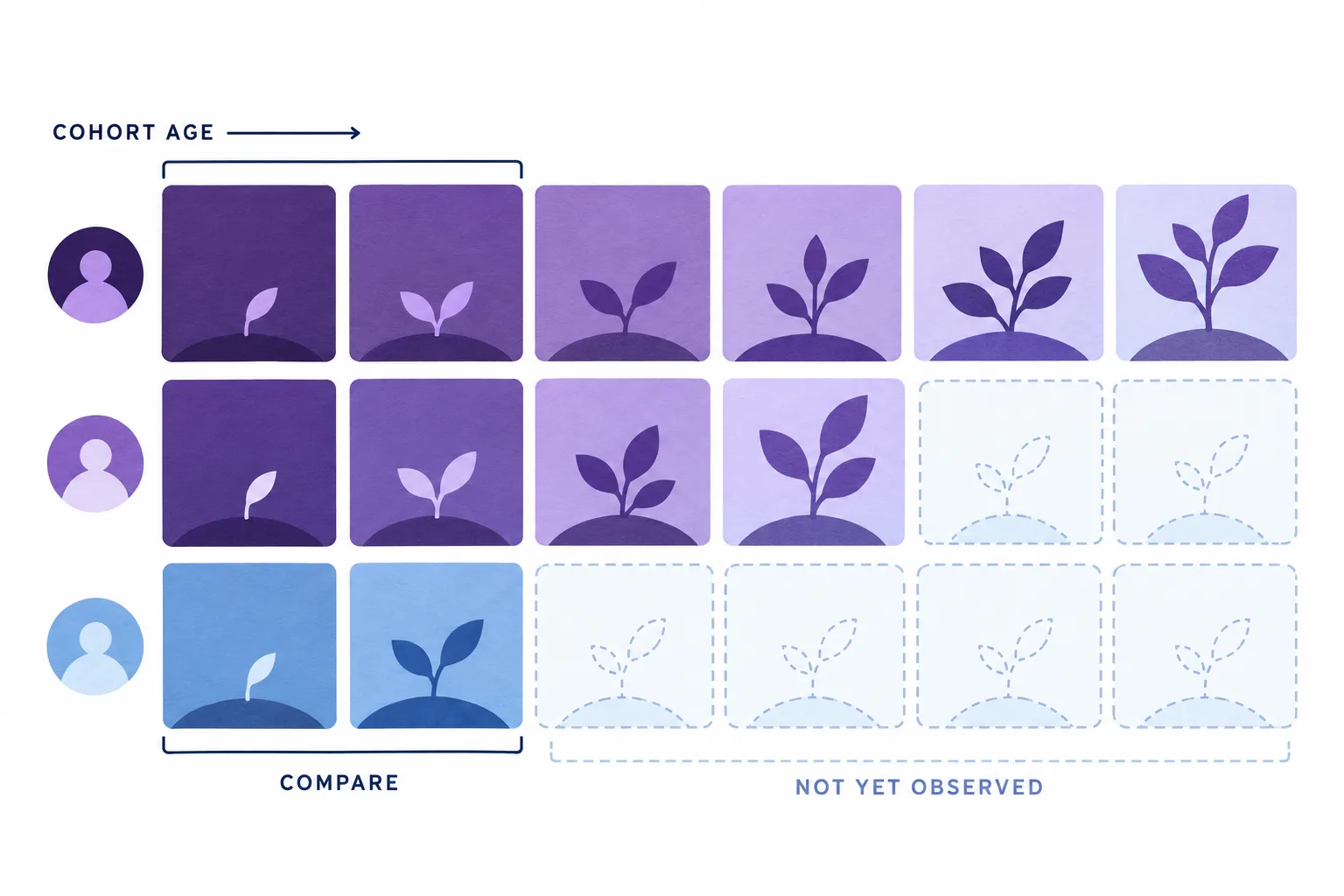
Interpret Retention Cohorts Without Overclaiming
Explain cohort retention with explicit definitions, maturity checks, and testable alternative explanations.
Explain a Slow Query and Suggest an Index Strategy
Paste your slow query and its EXPLAIN ANALYZE plan. Get a root-cause diagnosis, exact CREATE INDEX statements, a query rewrite if the structure is the problem, and a clear 'what NOT to do' warning.
PySpark & SQL Pipeline Debugger + Optimizer
Paste in a slow or failing PySpark/SQL data pipeline and get root-cause diagnosis, an optimized rewrite, and a plain-English explanation of every change. Built for data engineers working with Spark, Delta Lake, and cloud warehouses (Databricks, Snowflake, BigQuery).
Segment a Customer List into Actionable Cohorts
Paste a sample of your customer or user table. Get a set of named, mutually-useful cohorts with exact filter logic, the SQL or rule for each, the one action each cohort warrants, and a note on overlap — built for retention, expansion, or win-back, not vanity slicing.
Turn a Metrics Dump into a Skimmable Executive Summary
Paste raw numbers from your analytics tool or a spreadsheet export. Get a tight executive summary: the three findings that matter, what each means for the business, and one assignable action per finding — under 400 words.
RAG Pipeline Architect & Retrieval Quality Audito
Describe your RAG setup (chunking strategy, vector DB, retrieval method) and get a structured audit of what's likely hurting answer quality, plus a concrete redesign — chunk sizing, embedding choice, retrieval strategy (hybrid/rerank), and prompt structure. Built for engineers building production RAG systems, not toy demos.
Build a Data Quality Test Suite for a Table
Describe a table and what it feeds. Get a prioritized list of data quality checks — uniqueness, nulls, ranges, referential integrity, freshness, distribution drift — as runnable SQL assertions plus dbt-test / Great Expectations equivalents, so bad data fails loud before it hits a dashboard.

Build a Cloud Unit-Cost Model You Can Audit
Connect cloud spend to a meaningful product unit with explicit allocation rules, transparent calculations, and uncertainty ranges.
Write an A/B Test Readout That Catches the Lies in Your Data
Paste your control vs. treatment results — metrics, sample sizes, duration. Get a structured readout with statistical and practical-significance assessment, a ship/hold recommendation, and a caveats section that hunts for sample ratio mismatch and other traps.
Profile and Clean a Messy CSV with Reproducible pandas Code
Paste the header and first 20 rows of a messy CSV. Get a column-by-column quality profile, an ordered cleaning plan, and a complete, runnable pandas script with before/after logging and TODO stubs where a human decision is required.

Run an Evidence-First Cloud Cost Triage
Find cost-investigation priorities from billing and utilization evidence without treating low usage as permission to delete resources.

Diagnose the Path to First Customer Value
Audit an activation funnel and propose evidence-linked fixes that improve meaningful first use.