10 prompts
Daily Standup From Yesterday's Notes — Your Update Before the Kettle Boils
Paste your rough notes from yesterday and get a crisp, team-ready standup update in your team's exact format. Ends the 9:55am 'what did I even do yesterday?' scramble for good.
Prompt Rescue Engine- From Messy Request to Precise Response
Transforms vague or incomplete requests into specific, context-aware responses by identifying missing information, handling reasonable assumptions, following constraints, and performing a final quality check.
Say No Professionally — Three Polite Refusals, Calibrated to the Relationship
Describe the request you need to decline and your reason, and get three refusal drafts — brief, warm, and with-an-alternative — tuned to who's asking. Stop losing sleep over how to phrase a no.
Daily Priority Planner — Turn Your Task List Into a Plan
Dump your messy to-do list (however chaotic) and get it sorted into a realistic daily plan — prioritized by urgency and impact, time-blocked to fit your day, with a clear "if you only do 3 things" shortlist for when the day goes sideways.
Meeting-Prep Brief — Walk In Knowing Your Ask, Their Objections, and Your Opening Line
Enter the meeting details and your goal and get a one-page brief: talking points in priority order, the objections to expect with prepared responses, your single clearest ask, and an opening line. For chronic over-preparers and under-preparers alike.
Plan My Week Around 3 Priorities (with a Ruthless 'Not This Week' List)
Turn three real priorities plus your messy task list into a time-blocked Monday–Friday plan, complete with a deferred list so you stop dragging old tasks around. For anyone who starts each week reacting instead of directing.
Brain-Dump to Action List — Turn Messy 3am Notes Into a Real Plan
Paste a raw brain-dump — stream of consciousness, half-bullets, a voice-to-text transcript — and get a clean, prioritized action list with owners, dependencies, and the decisions you're secretly avoiding. For chronic note-graveyard owners.
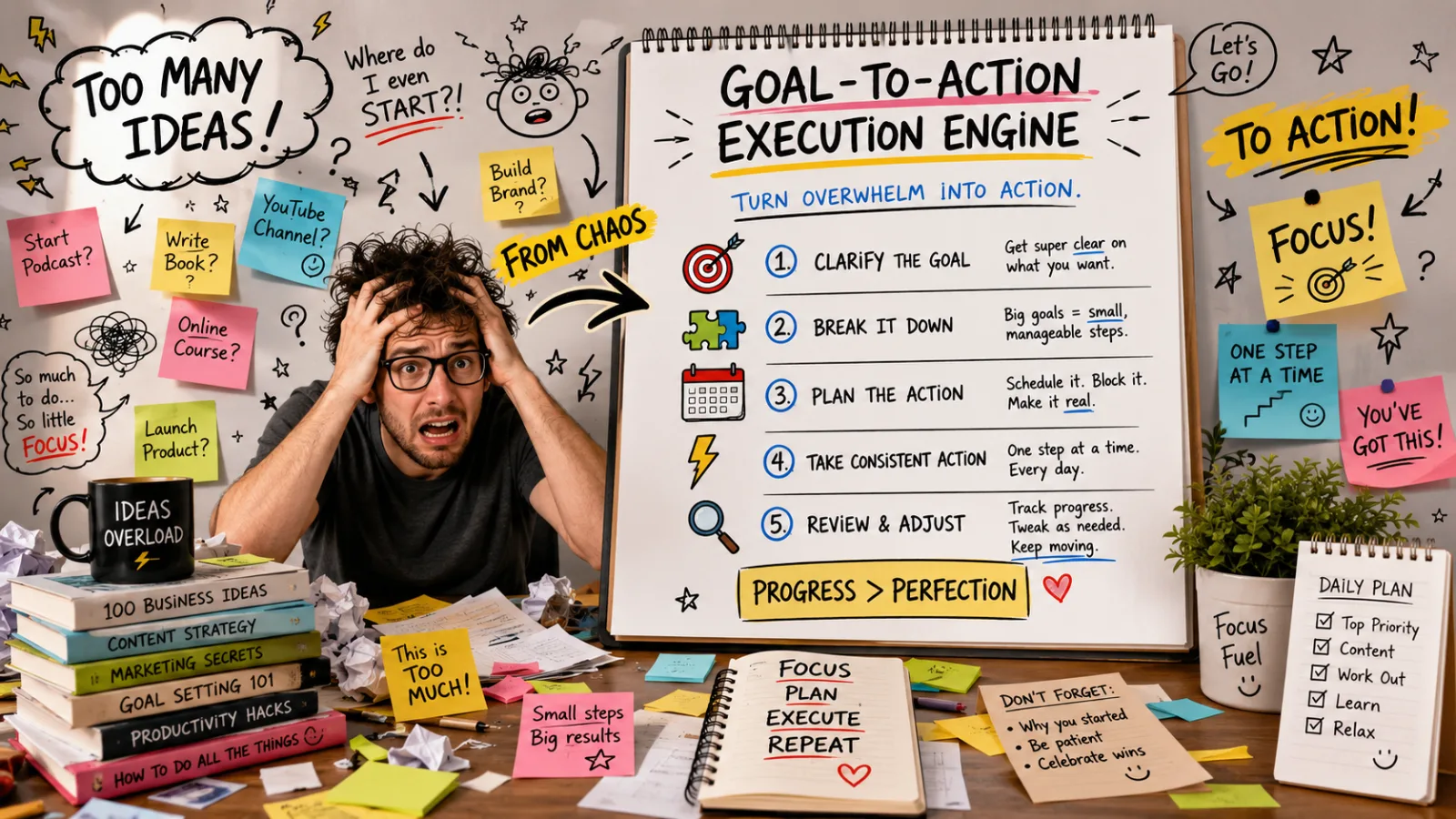
The Goal-to-Action Execution Engine
Turn any ambitious goal, unfinished idea, or overwhelming project into a clear, prioritized, step-by-step execution plan with milestones, deadlines, risks, and the next action to take today.
Inbox-Zero Triage — Sort a Batch of Emails and Draft the Replies
Paste a batch of unread emails and get a priority-sorted action list plus ready-to-send draft replies for anything quick. Built for people who open their inbox after a few days off and immediately regret it.
Decision Matrix — Score Your Options, Find the Real Trade-Off, Hear the Devil's Advocate
Stuck between options? Feed in your context, the choices, the criteria that matter, and your weights, and get a weighted scoring matrix, an honest verdict, and the strongest argument for the option that lost. For decisions you've been circling for days.