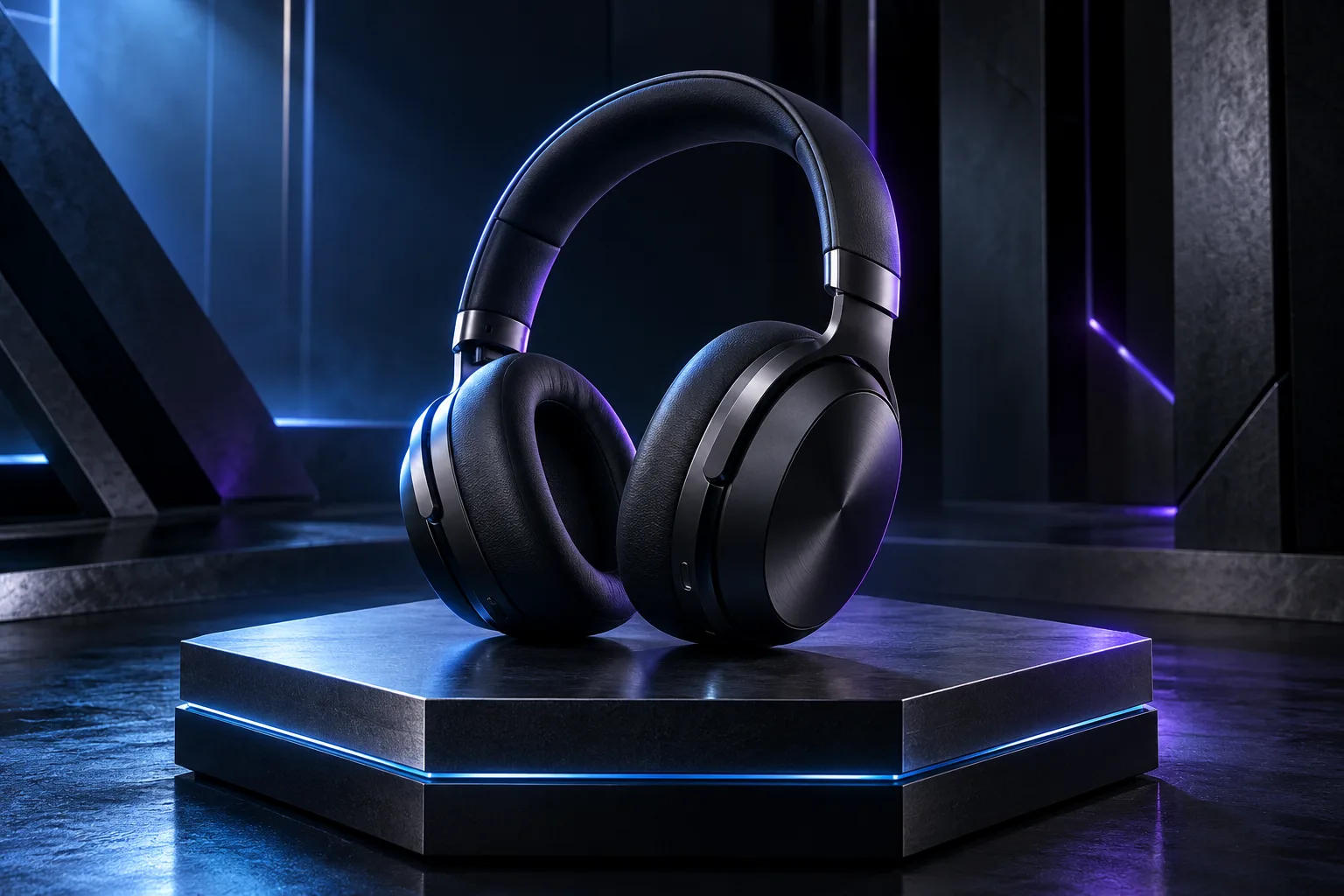
If you are trying to use AI image generators like Midjourney to create backdrops for your e-commerce products, you’ve probably hit a wall.
You type in something simple like "luxury watch on a clean background," and the AI gives you a chaotic, over-stylized image with zero room to actually place your product.
Hiring a professional commercial photographer and renting a physical studio costs thousands. Doing it with AI should save you money, but only if the final image looks premium enough to put on your storefront.
To get clean, professional, commercial-grade product backdrops, you have to speak the language of a studio lighting director. Here are the 3 rules we use to build perfect product scenes every time:
1. Lock in the Focal Point
The biggest mistake is letting the AI place objects wherever it wants. You must explicitly tell the generator to leave an empty, uncluttered focal point right in the center or on a specific grid line. This gives you the clean space you need to easily drop your physical product photo into the scene later using Canva or Photoshop.
2. Use Concrete Camera Specs
Stop using terms like "photorealistic" or "hyper-detailed"—AI models actually ignore these words. Instead, use real-world camera language. Phrases like "shot on an 85mm macro lens" or "eye-level heroic shot" force the AI to mimic the exact depth of field and compression found in real luxury catalog photography.
3. Specify the Lighting Material
Light behaves differently depending on the surface it hits. To make a background look real, you need to define the lighting physics. Tell the AI to use "global illumination," "soft dramatic rim lighting," or "ray-traced reflections on textured concrete." This gives the backdrop depth instead of looking like a flat digital drawing.