Challenges is the community request board: describe the prompt you wish existed, and creators answer with real prompts. Nothing is bought or sold here, and there is no reward field anywhere in the feature.
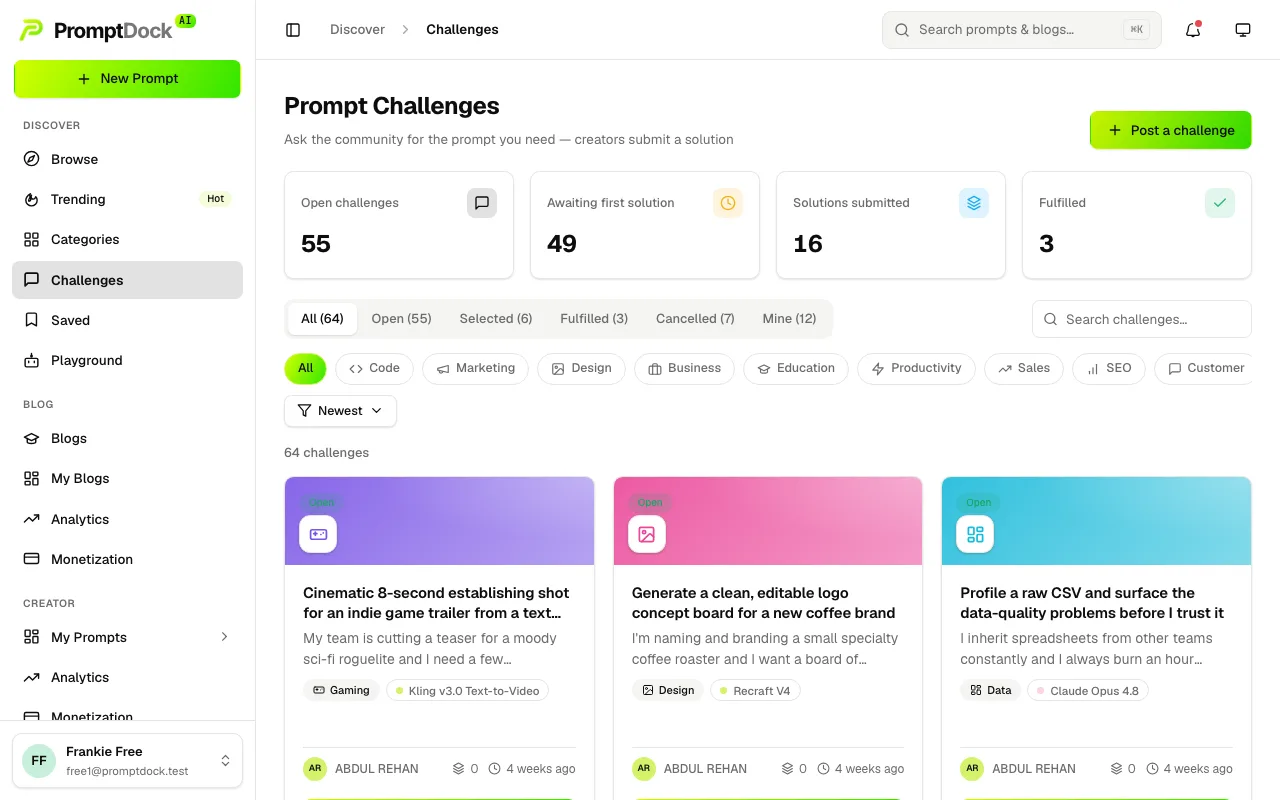
Posting a challenge
- Open Challenges and hit Post a challenge. Every plan can post, free included.
- Describe what you need. The description takes markdown, and a category and a preferred model are both optional.
- Watch solutions arrive. You get a notification when a solution lands — one per solver per day, so a solver swapping their prompt does not ping you twice.
Submissions are private to the people involved: only you, each solver and an admin can read them, so nobody browses the field before entering it.
Solving a challenge
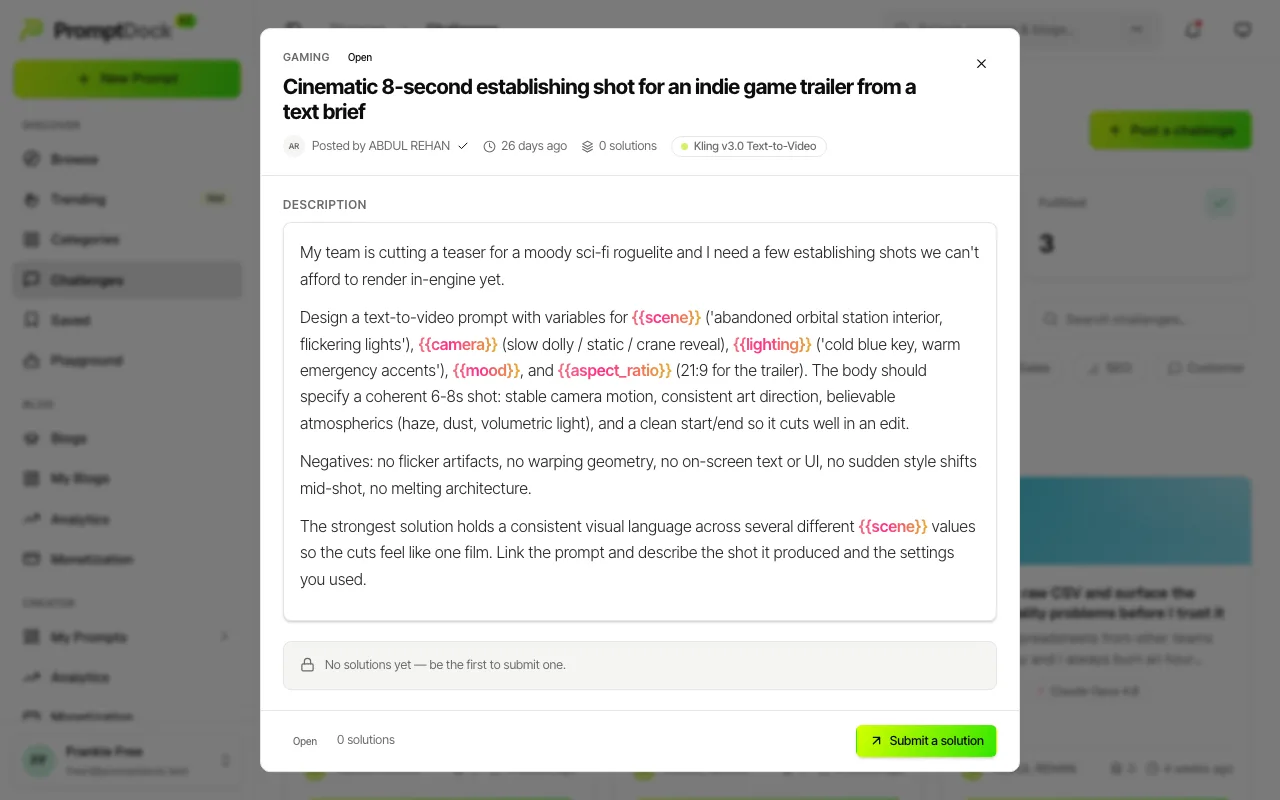
- Open a challenge from the board.
- Pick one of your own published prompts as the solution, with an optional note. The prompt is the answer, so there is no free-text-only entry.
- Submit. One active solution per challenge per solver, and only while the challenge is still open.
Every signed-in creator can submit — free plans included; there is no plan requirement on solving. Two things do gate it. The prompt you link has to be live already: every publish goes through review first (usually within a day), so drafts and prompts still in review cannot be submitted yet — publish, wait for approval, then come back and link it. And admins do not compete: they review challenges, so a solution has to come from a creator account.
Changed your mind, or linked the wrong prompt? While your solution is still pending you can withdraw it from the challenge and submit a different prompt. The requester sees the retraction; a withdrawn solution no longer counts toward the challenge's solution count.
The lifecycle
The board tabs mirror the states. Open becomes Selected when the owner picks a solution, then Fulfilled when they confirm it worked. Owners can cancel instead, and a cancelled challenge is visible only to them and leaves the public board.
Selecting notifies the solver you chose, and separately tells the others they were not picked. Marking a challenge fulfilled notifies the solver again. Cancelling notifies nobody.
If a moderator removes your challenge
Admins can take a challenge off the board. It disappears from the public board and stops accepting solutions, and selecting or fulfilling is paused with it — but nothing already submitted is lost. Every solution stays attached, and the challenge's own state (open, selected, fulfilled) is untouched. You get a notification carrying the moderator's reason; the email only tells you to open your notifications, so the reason itself stays in-app. That notification still opens the challenge, marked Removed with the reason beside it, so a removal is never a silent disappearance.
Moderators can also put a challenge back, and you are told when they do — it returns exactly as it was, accepting solutions again if it was open. While it is down you cannot edit or delete it yourself — it stays exactly as the moderator saw it. If your own solution had been selected on a challenge that gets removed, you are told as well, and told again when it comes back. A moderator can also close a challenge, which is the same as cancelling it yourself: it leaves the board, a selected solution is rescinded, and it shows in your Cancelled tab. For genuine abuse a challenge can be deleted outright, which deletes every solution submitted to it as well.